Cal.com
Scheduling infrastructure for the modern web
5 colors
17 components
Inter
Mar 26, 2026
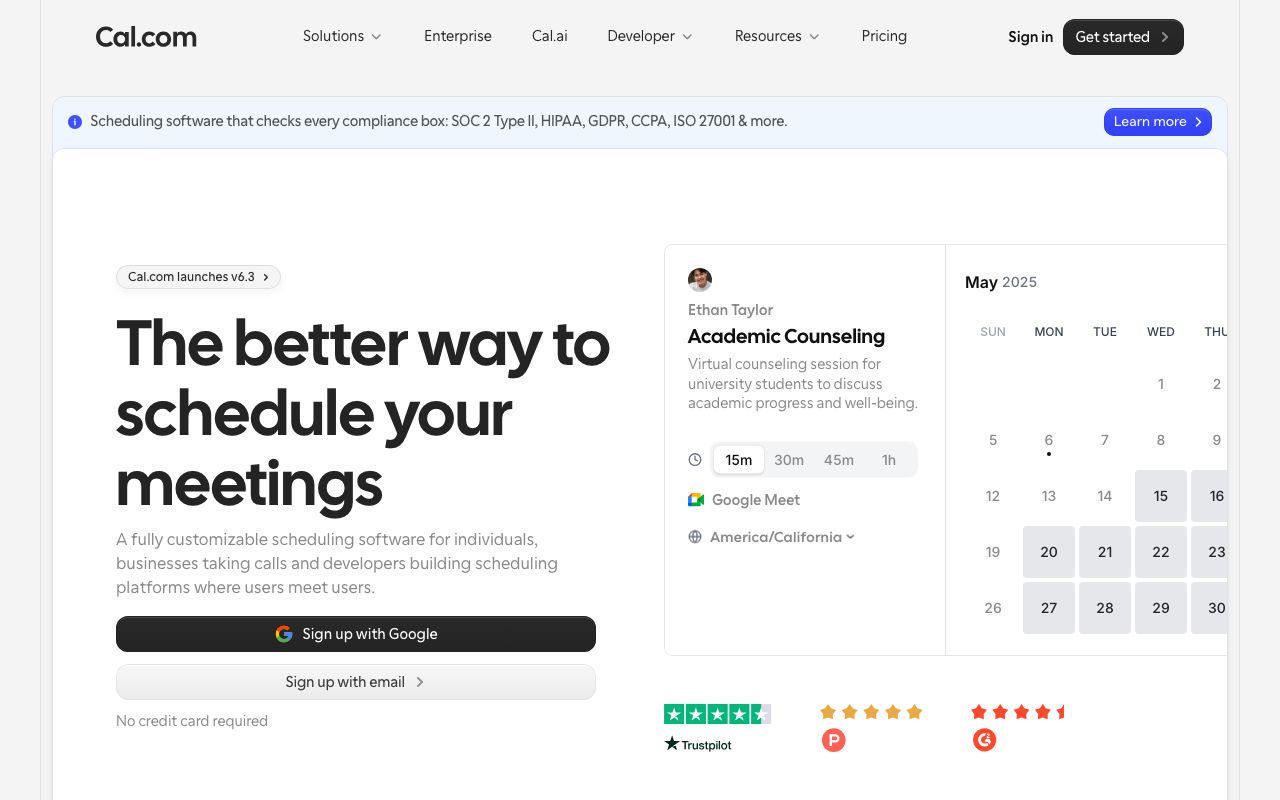
Website Preview
Colors
Primary
#292929
Primary dark
#FFFFFF
Background
#FF7A45
Orange accent, CTAs
#F3F4F6
Muted surfaces
#6B7280
Secondary text
Typography
Inter
Role
SizeWeightHeight
Heading
30px700—
Subheading
20px600—
Body
16px400—
Small
14px400—
DESIGN.md — Cal.com
Overview
Cal.com's design system is grounded in accessibility and clarity. A near-black primary color with orange accent creates warmth in a scheduling context. The open-source nature is reflected in clean, well-documented, themeable components.
Colors
Primary Palette
| Token | Hex | Usage |
|---|---|---|
color-brand | #292929 | Primary dark |
color-bg | #FFFFFF | Background |
color-accent | #FF7A45 | Orange accent, CTAs |
color-muted-bg | #F3F4F6 | Muted surfaces |
color-muted | #6B7280 | Secondary text |
Typography
| Role | Family | Size | Weight |
|---|---|---|---|
| Heading | Inter | 30px | 700 |
| Subheading | Inter | 20px | 600 |
| Body | Inter | 16px | 400 |
| Small | Inter | 14px | 400 |
Components
Calendar Grid
- 7-column date grid
- Available slots highlighted in brand color
- Time zone selector in header
Booking Form
- Name, email, notes fields
- Duration selector pills
- Confirm button in orange accent
Availability Card
- Weekly schedule view
- Draggable time blocks
- Override dates support
Do's and Don'ts
Do
- Use the orange accent for primary booking actions
- Show time zones prominently
- Keep forms short — minimize required fields
Don't
- Don't use red for available time slots
- Don't auto-select time zones without confirmation
- Don't hide calendar navigation