Neon
Serverless Postgres for modern developers
5 colors
16 components
Inter, JetBrains Mono
Apr 12, 2026
Website Preview
Colors
Primary
#00E599
Neon green, primary accent
#0C0D0D
Background
#FFFFFF
Primary text
#1A1B1E
Cards, panels
#AFAFAF
Secondary text
Typography
Inter
Role
SizeWeightHeight
Display
48px700—
Heading
28px600—
Body
16px400—
JetBrains Mono
Role
SizeWeightHeight
Code
14px400—
DESIGN.md — Neon
Overview
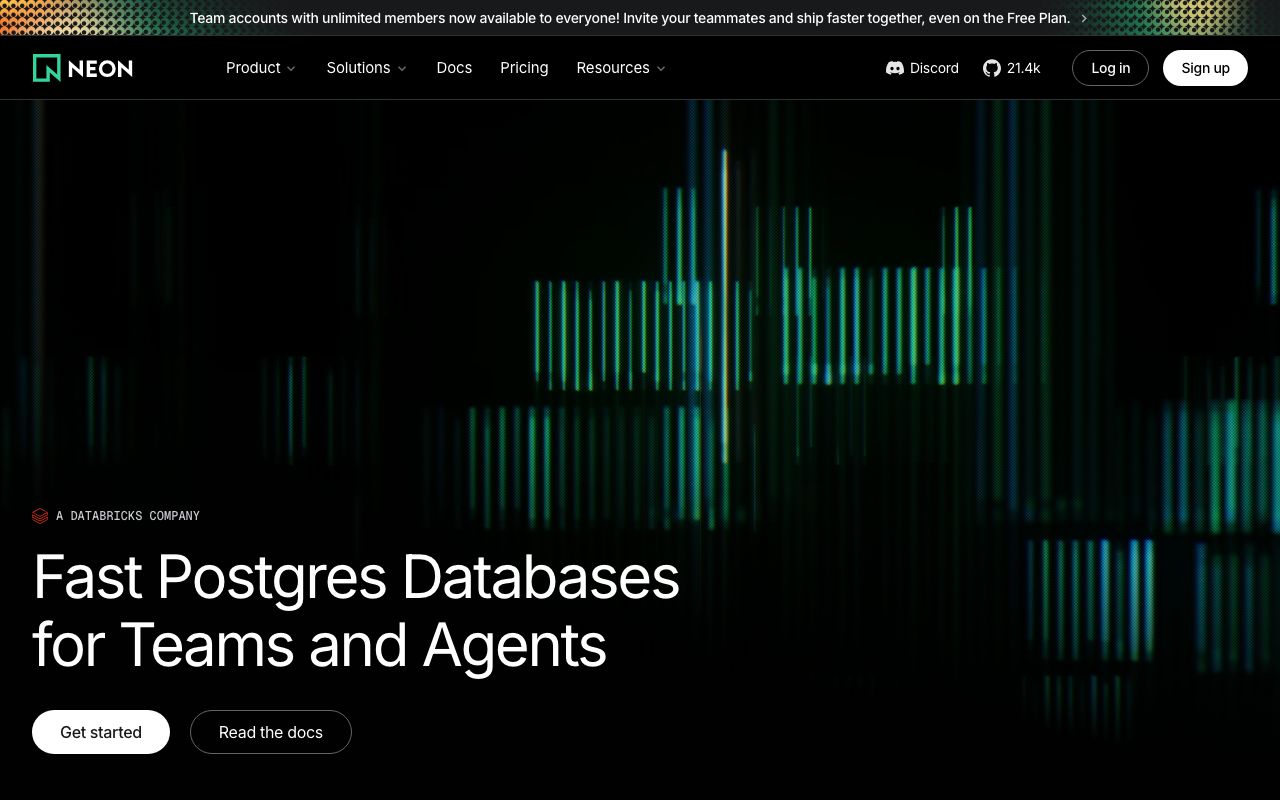
Neon's design system channels its name — a glowing green accent on pitch-dark surfaces creates a cyberpunk-tinged developer aesthetic. The design is sleek and minimal, designed to feel fast and futuristic while staying highly legible for database management workflows.
Colors
Primary Palette
| Token | Hex | Usage |
|---|---|---|
color-brand | #00E599 | Neon green, primary accent |
color-bg | #0C0D0D | Background |
color-text | #FFFFFF | Primary text |
color-surface | #1A1B1E | Cards, panels |
color-muted | #AFAFAF | Secondary text |
Typography
| Role | Family | Size | Weight |
|---|---|---|---|
| Display | Inter | 48px | 700 |
| Heading | Inter | 28px | 600 |
| Body | Inter | 16px | 400 |
| Code | JetBrains Mono | 14px | 400 |
Components
Branch Selector
- Dropdown showing database branches
- Green dot for primary, gray for development
- Create branch button with green accent
SQL Console
- Full-width editor with syntax highlighting
- Green "Run" button, results table below
- Query history sidebar
Usage Dashboard
- Compute hours, storage, data transfer meters
- Circular progress indicators in neon green
- Billing period timeline
Do's and Don'ts
Do
- Use the neon green sparingly — it's powerful at small doses
- Keep dark surfaces consistent across all interfaces
- Use monospace for everything database-related
Don't
- Don't use green for error states — it's the brand color
- Don't place neon green text on light backgrounds
- Don't use gradients — the brand is about flat, glowing accents