DesignMD
Discover
Back to Discover

Spotify

Music for everyone

spotify.com
5 colors
24 components
Circular
Apr 1, 2026
Website Preview
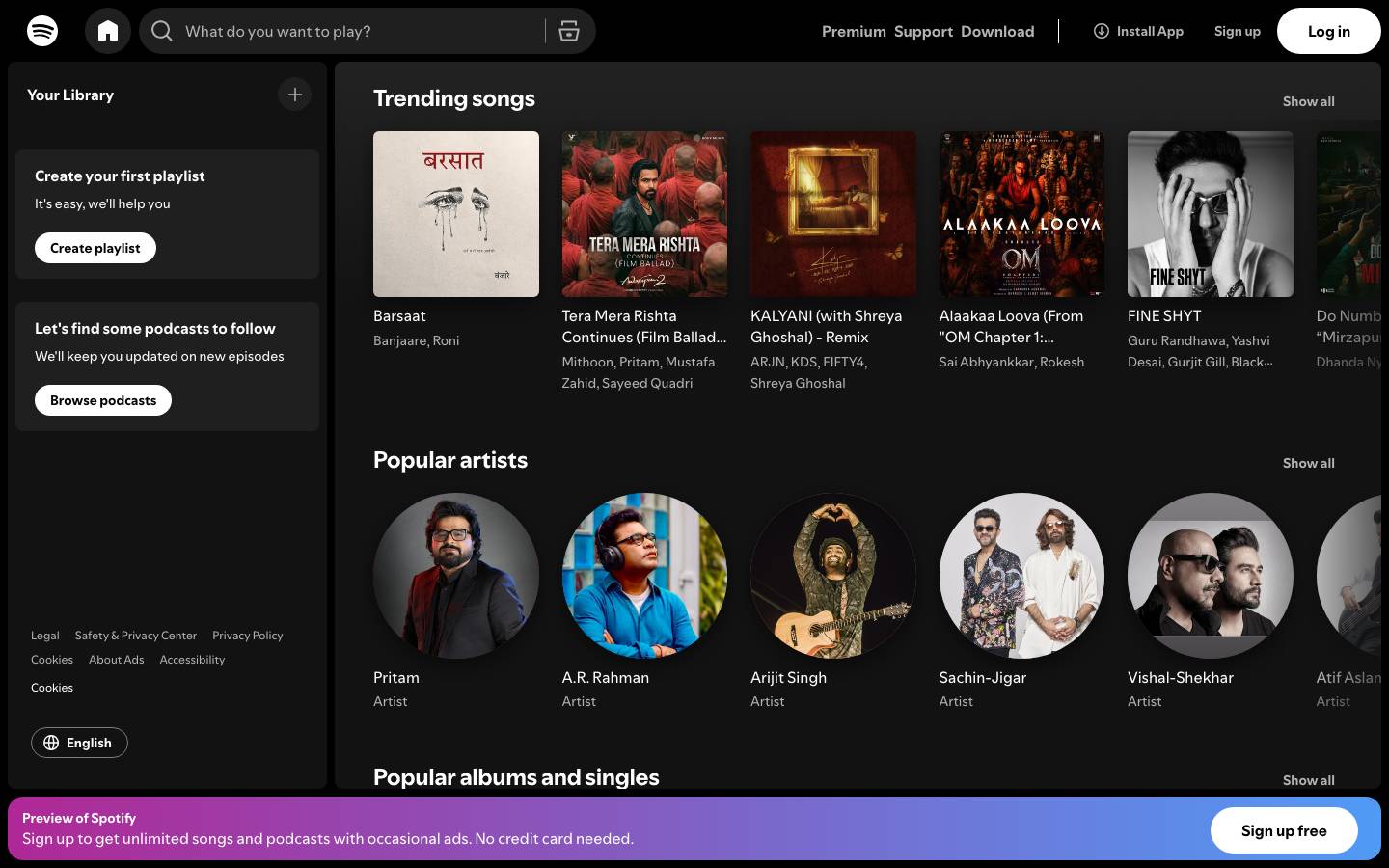
Spotify screenshot
Colors
Primary
#1DB954

CTAs, play button, active states

#191414

App background

#FFFFFF

Primary text

#B3B3B3

Subdued text, metadata

#282828

Cards, elevated surfaces

Typography
Circular
Role
SizeWeightHeight
Display
64px900
Heading
32px700
Body
16px400
Caption
12px400

DESIGN.md — Spotify

Overview

Spotify's design system is built for immersive media consumption. The signature green is used sparingly — primarily for CTAs and the shuffle/play icon — while a near-black foundation lets album art become the visual hero. Circular, Spotify's custom typeface, gives all text a distinctive rounded warmth.

Colors

Primary Palette

TokenHexUsage
color-brand#1DB954CTAs, play button, active states
color-bg#191414App background
color-text#FFFFFFPrimary text
color-text-sub#B3B3B3Subdued text, metadata
color-surface#282828Cards, elevated surfaces

Typography

RoleFamilySizeWeight
DisplayCircular64px900
HeadingCircular32px700
BodyCircular16px400
CaptionCircular12px400

Components

Album Card

  • Square album art (varies by grid), title + artist below
  • Hover reveals green play button overlay
  • Rounded 8px corners on artwork

Now Playing Bar

  • Fixed bottom bar, 90px height
  • Track info left, controls center, volume right
  • Progress bar: green on dark gray track

Playlist Header

  • Gradient background sampled from cover art
  • Large cover, title, creator, duration stats
  • Play and shuffle buttons

Do's and Don'ts

Do

  • Let album art drive the visual palette per screen
  • Use green only for primary interactive elements
  • Use Circular at Black (900) weight for hero moments

Don't

  • Don't use green for backgrounds or large surfaces
  • Don't crop album art into non-square shapes
  • Don't use system fonts — Circular is core to the brand

Want a DESIGN.md like this for your own website?